AuthPilot
Enterprise-Grade Authentication & Authorization Platform
🔑 Test Accounts: Use the following credentials to explore different role-based permissions:
⏱️ Note: The app may take a few seconds to boot up on first load
Admin Account
Email: admin@authpilot.com
Password: Admin@123
Manager Account
Email: simo-manager1@email.com
Password: Manager@123
User Account
Any new registration will be created as a regular user
Overview
AuthPilot is a modern, full-stack role-based access control (RBAC) system designed for enterprise applications. It provides comprehensive authentication and authorization capabilities with multi-tenant organization support, project management, and detailed audit logging.
Built with NestJS and React, AuthPilot offers JWT-based authentication, Google OAuth integration, granular permission controls, and a beautiful dark/light theme interface. The platform supports hierarchical roles, dynamic permission assignment, and cross-organization management for super admins.
Key Features
🔐 JWT Authentication
Secure access tokens with automatic refresh mechanism, password encryption using bcrypt, and built-in rate limiting protection.
🌐 Google OAuth 2.0
One-click social login integration with Passport.js middleware for seamless user authentication.
👥 Role-Based Access Control
Hierarchical roles (Admin, Manager, User) with 50+ granular permissions and dynamic role assignment capabilities.
🏢 Multi-Tenant Organizations
Create and manage isolated workspaces with automatic data isolation, user membership, and cross-organization support.
📊 Project & Task Management
Full project hierarchy with task tracking, team assignment, and progress monitoring features.
📝 Comprehensive Audit Logging
Track all user actions with detailed audit trails, configurable retention policies, and export capabilities for compliance.
🎨 Modern UI/UX
Dark/Light/System themes with responsive mobile-first design, real-time toast notifications, and intuitive navigation.
🔒 Enterprise Security
Helmet security headers, CORS protection, input validation with Joi, and Redis-based session management.
Technology Stack
Backend
- • NestJS 10.0+ - Progressive Node.js Framework
- • TypeScript 5.0+ - Type Safety
- • MongoDB 7.0+ - NoSQL Database
- • Mongoose - ODM for MongoDB
- • Redis 7.0+ - Session & Caching
- • Passport.js - Authentication Middleware
- • JWT - Token-based Auth
- • Joi - Request Validation
- • Helmet - Security Headers
Frontend
- • React 18.3+ - UI Library
- • TypeScript - Type-safe Components
- • Vite - Lightning-fast Build Tool
- • Tailwind CSS - Utility-first Styling
- • Zustand - State Management
- • React Router - Client-side Routing
- • Axios - HTTP Client
- • Lucide Icons - Icon Set
Permission System
AuthPilot implements a comprehensive permission system with 50+ fine-grained controls across multiple categories:
Users
create, read, update, delete, list
Roles
create, read, update, delete, list
Organizations
create, read, update, delete, list, manage_users
Projects
create, read, update, delete, list, manage_users
Tasks
create, read, update, delete, list, assign
Audit & Settings
audit logs, system settings, dashboards
Screenshots
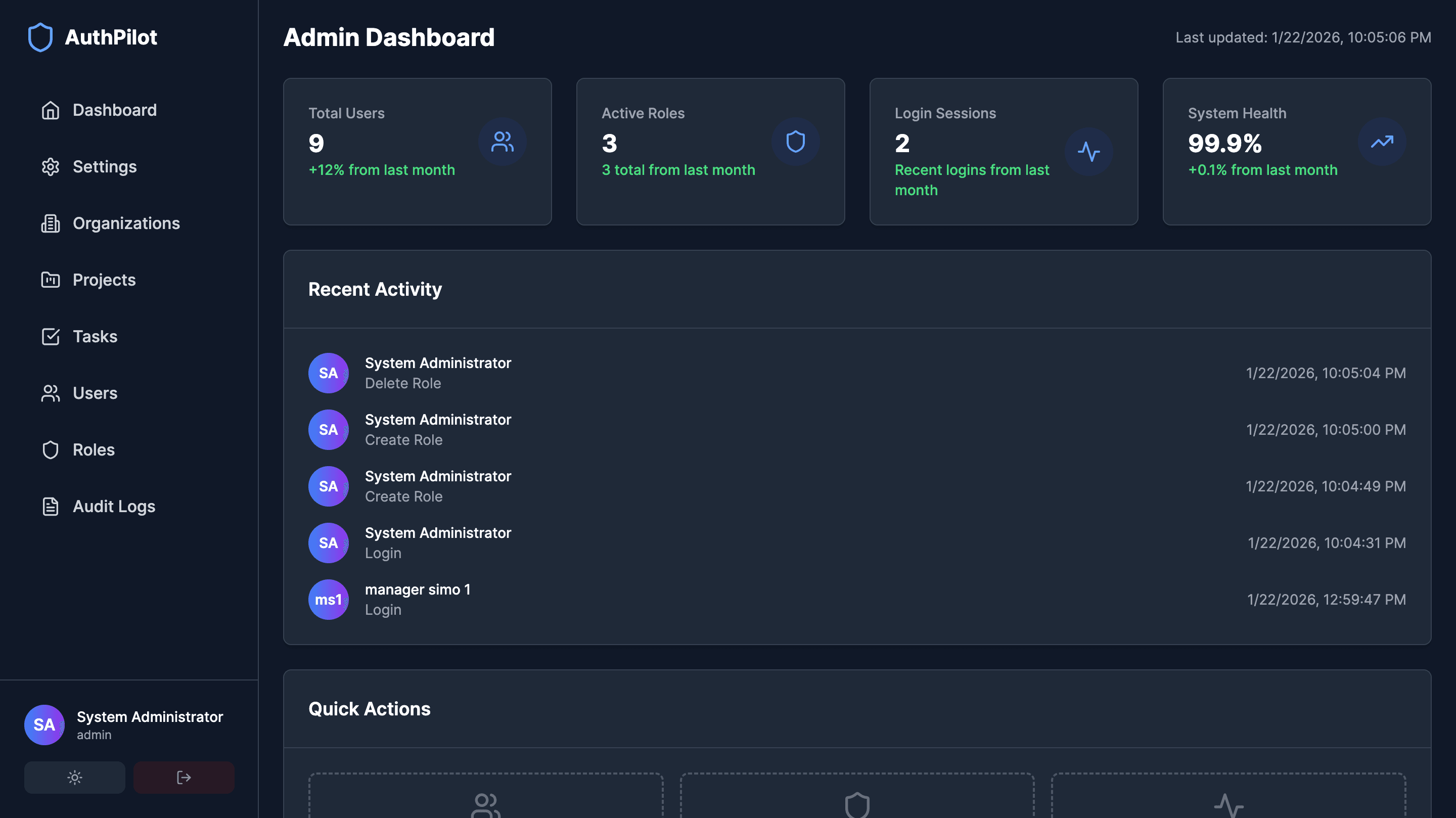
Dashboard
Role-based dashboards for Admin, Manager, and User roles
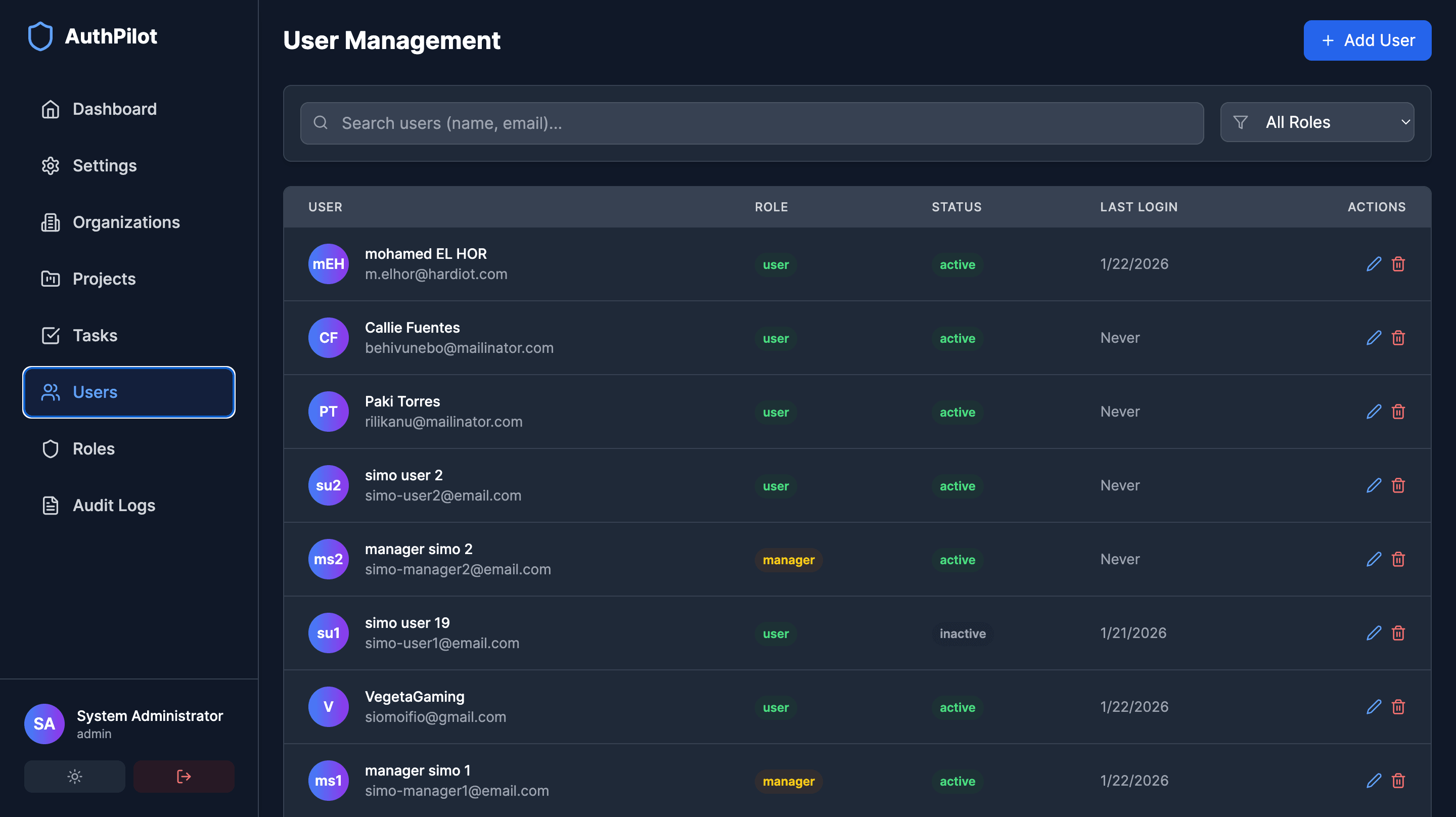
User Management
Manage users with role assignment and permissions
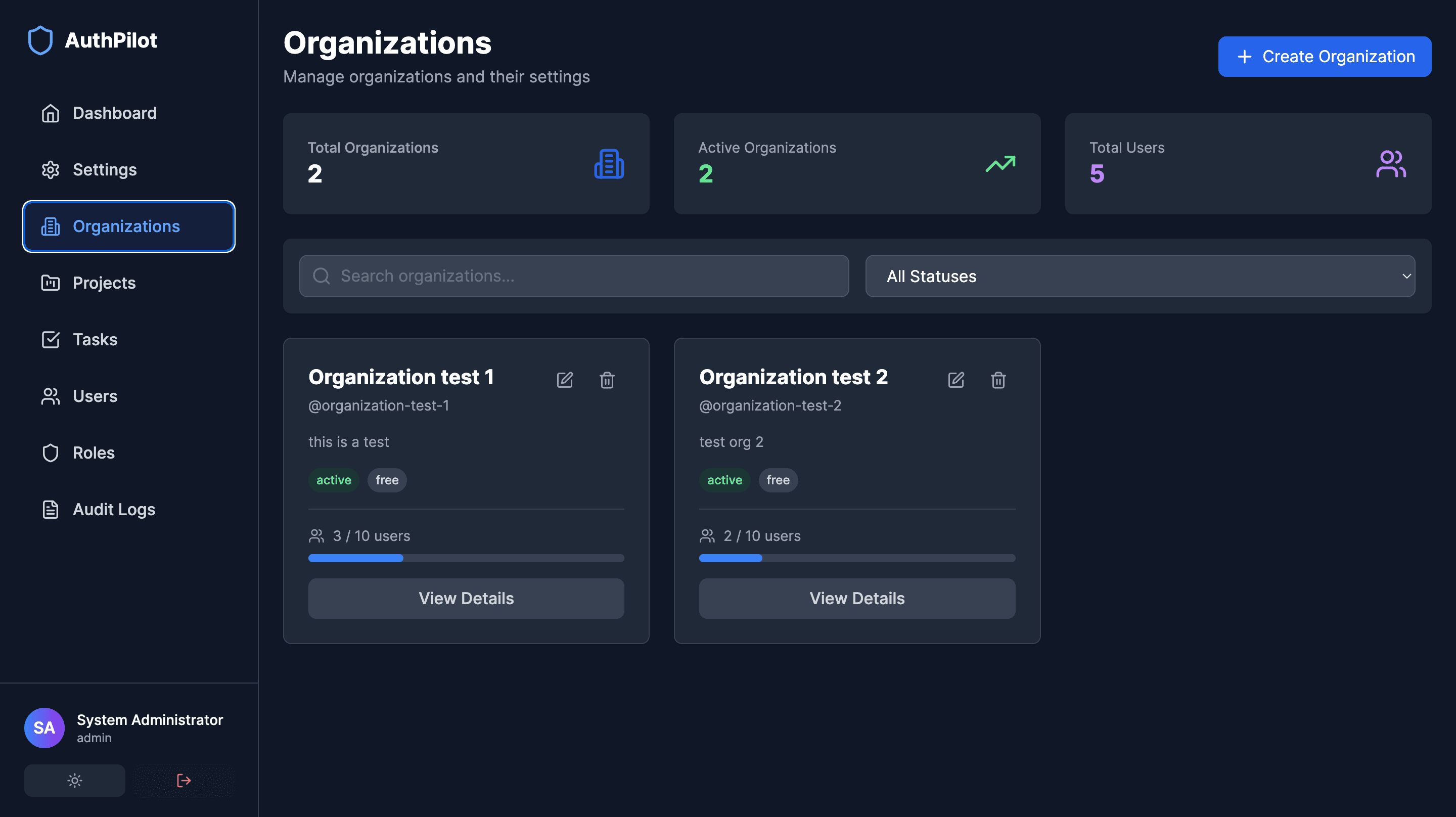
Organization Setup
Multi-tenant organization management interface
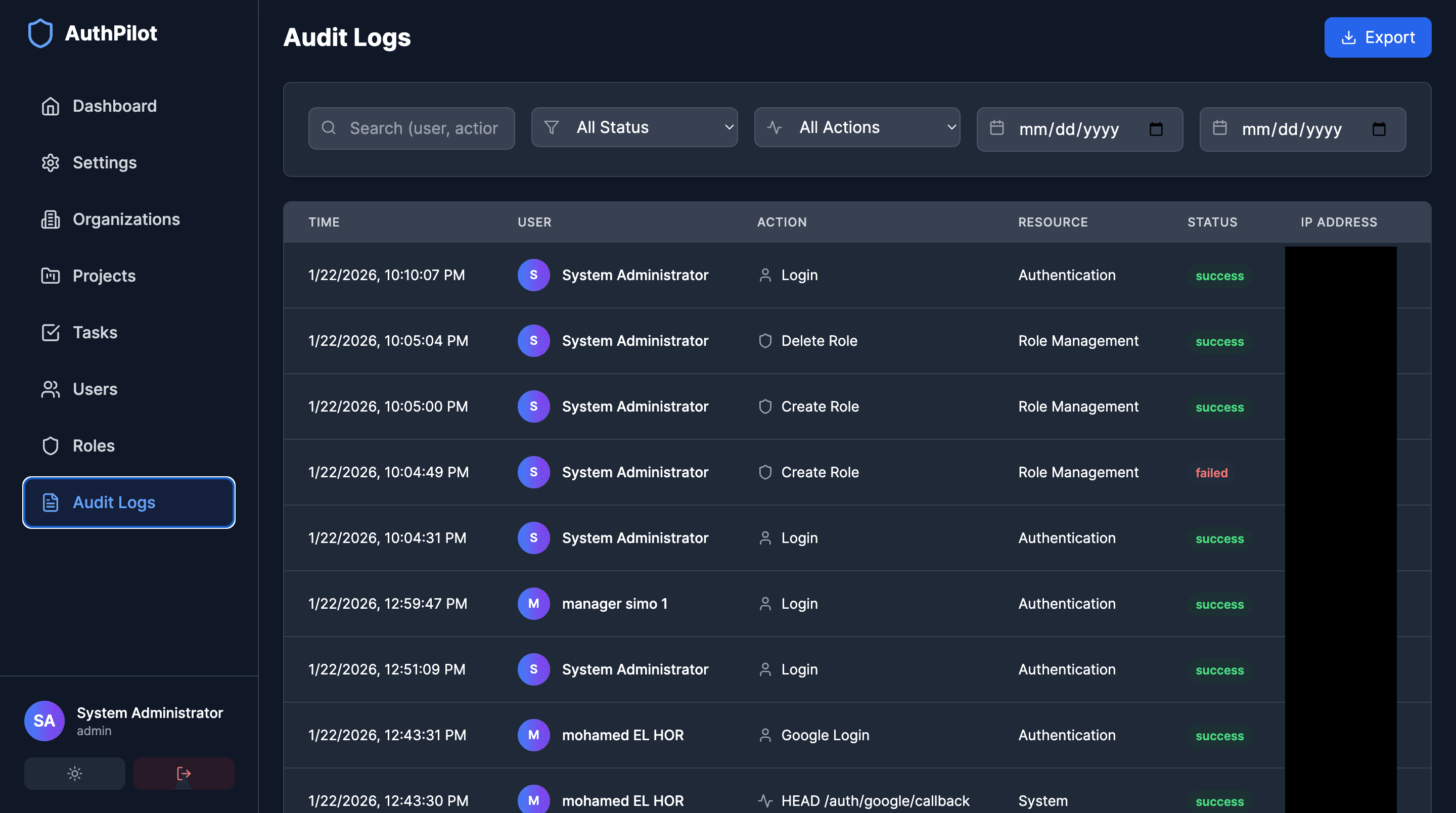
Audit Logs
Comprehensive audit trail and compliance tracking
Architecture
AuthPilot follows a modern microservices-inspired modular architecture:
- Frontend Layer: React SPA with Zustand state management, custom hooks, and service layer abstraction for clean API communication
- Backend Layer: NestJS modular architecture with separate modules for auth, users, roles, organizations, projects, tasks, and audit logging
- Data Layer: MongoDB for persistent storage with Mongoose ODM, Redis for session management and caching
- Security Layer: JWT with refresh tokens, Passport.js strategies, Helmet middleware, rate limiting, and comprehensive input validation
- Multi-tenancy: Automatic tenant context isolation ensuring data segregation across organizations with super admin override capabilities
API Reference
Authentication Endpoints
Resource Endpoints
Challenges & Solutions
Challenge: Multi-Tenant Data Isolation
Problem: Ensuring complete data segregation between organizations while allowing super admins to access cross-organization data
Solution: Implemented automatic tenant context middleware that filters all queries by organization ID, with role-based overrides for super admin access and comprehensive audit logging
Challenge: Granular Permission System
Problem: Managing 50+ permissions across multiple resources with hierarchical role inheritance
Solution: Created a flexible permission guard system with decorator-based route protection, dynamic permission checking, and role inheritance allowing for both default and custom roles
Challenge: Session Management & Security
Problem: Balancing security with user experience for token refresh and session persistence
Solution: Implemented JWT with Redis-backed refresh tokens, automatic token rotation, rate limiting, and comprehensive security headers via Helmet, ensuring both security and seamless UX